Digital Privacy
Brave Browser for Business: A Privacy-First Alternative to Chrome
Why I use Brave for business browsing, what it blocks by default, and how it compares with Chrome, Firefox and the other alternatives.
5 Nov 2025 · 3 min read · By Sophie
Brave is the browser I use for all client work. It runs the same extensions as Chrome, blocks ads and trackers by default, and keeps my AI browsing inside the same privacy settings.
What's wrong with Chrome
Chrome is everywhere and familiar, and it belongs to an advertising company. Google makes its money from what it knows about the people using its products (the details are in how I left Google Workspace), and Chrome gives advertisers and trackers a detailed view of your habits. For a small team or a consultant handling client information all day, that is a lot of exposure to accept from a browser. Long sessions also eat memory and battery, especially as extensions pile up.
Why I use Brave
Brave is built on Chromium, the same engine as Chrome, so the sites and Chrome Web Store extensions I rely on work unchanged. Its Shields block ads and trackers by default, which means fewer pop-ups and less running in the background. It is the standard browser in my practice and the one I recommend to clients who handle sensitive information.
Brave is a US company, so the CLOUD Act applies in principle. My view, set out in my EU-residency AI stack, is that its privacy architecture outweighs that.
How to switch from Chrome
Download Brave from brave.com and install it. On first launch, import your bookmarks, history, passwords and extensions from Chrome or another browser; tools such as Airtable, Metricool and AI plugins can also be added from the Chrome Web Store. Brave Sync keeps bookmarks and settings consistent across your work machines. Then adjust Shields until the balance of privacy and convenience suits the way you work.
How the alternatives compare
Firefox is the strongest open-source alternative, customisable and privacy-minded, though it can be heavier on memory under load. LibreWolf goes further on privacy and is less forgiving with everyday sites and business tools. Edge and Opera are weaker choices for a business that takes privacy seriously.
AI in the browser
When I first wrote this piece, I recommended a two-browser setup: Brave for logins, payments and client data, and an AI browser such as Comet or ChatGPT Atlas for creative work and research.
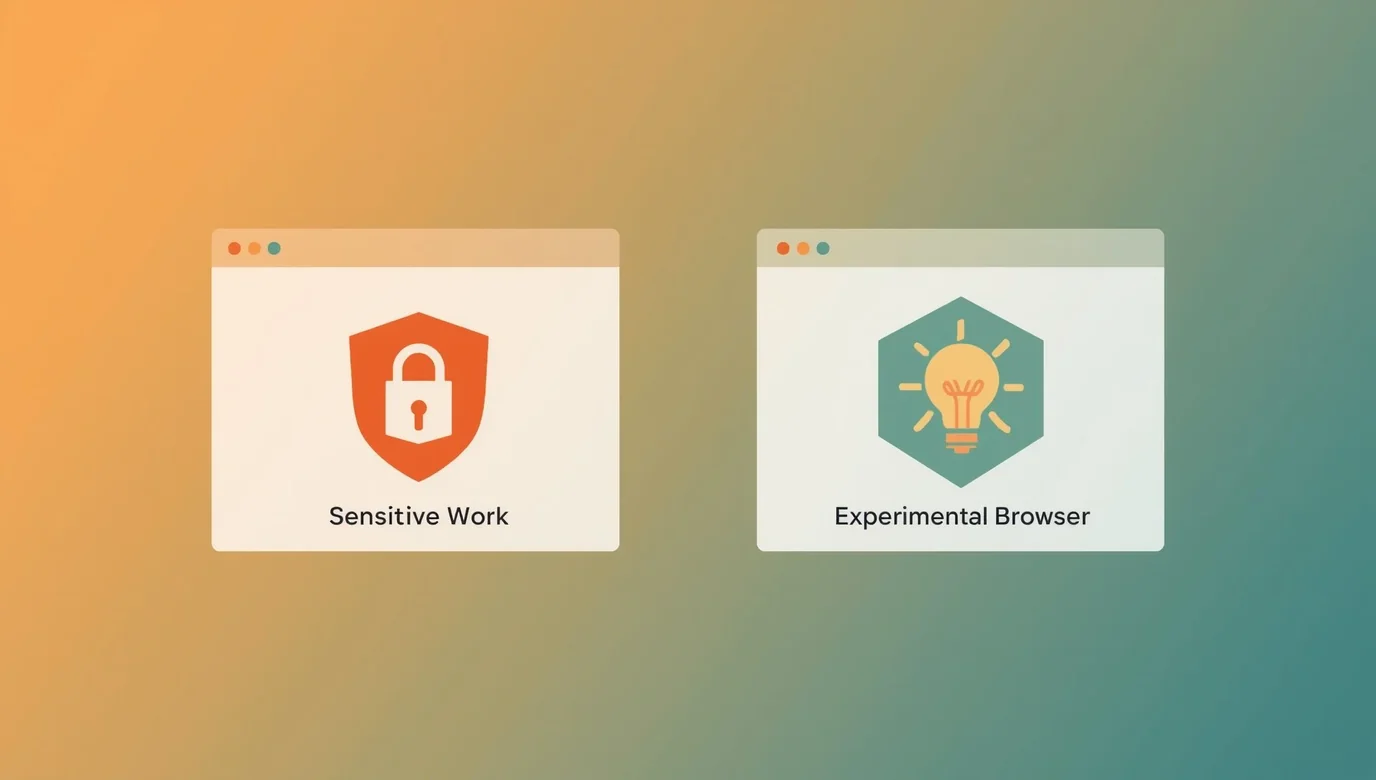
I've since stopped using Comet. My AI browsing now happens inside Brave, with Brave Leo for summarising pages and Claude in Chrome for the occasional task that needs clicking and form-filling. The separation still holds for anyone who uses a standalone AI browser: keep it away from anything you are logged in to.